
Kareverse Studio
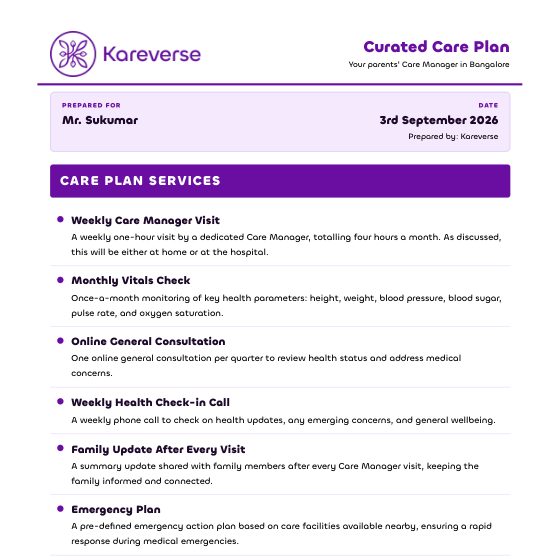
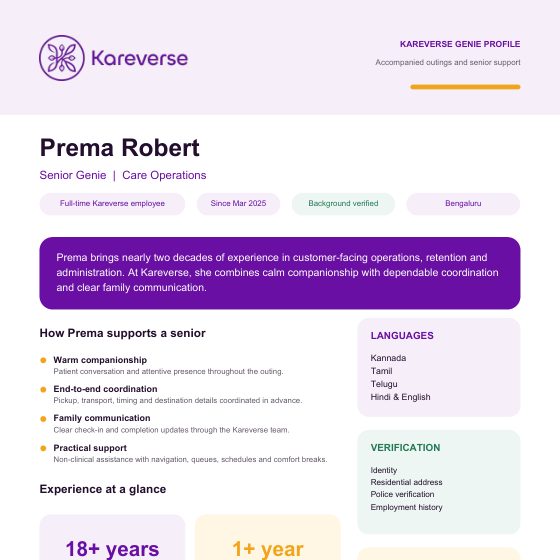
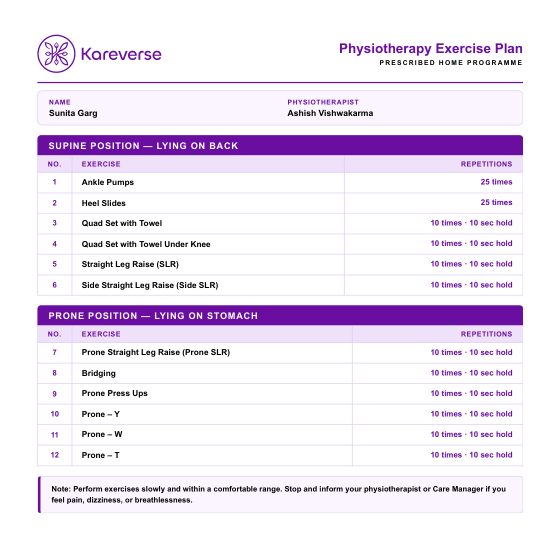
Caregiver and Genie profiles, care plans, exercise plans and reports, all on the Kareverse design, in one place.
Sign in
Use your Kareverse Google account.
Google sign-in isn't set up on this computer yet.
One-time setup (5 minutes):
- Open Google Cloud Console → APIs & Services → OAuth consent screen, user type Internal.
- Credentials → Create credentials → OAuth client ID → Web application.
- Authorised redirect URI:
https://ue530in1.kareverse.com/auth/callback - Put the ID and secret in
kareverse-studio/.envasGOOGLE_CLIENT_ID=…andGOOGLE_CLIENT_SECRET=…, then restart Studio.
Only @kareverse.com accounts can sign in.